Product Photography for
Modular Goods.
A step-by-step guide to photographing configurable products that build buyer confidence and drive sales.
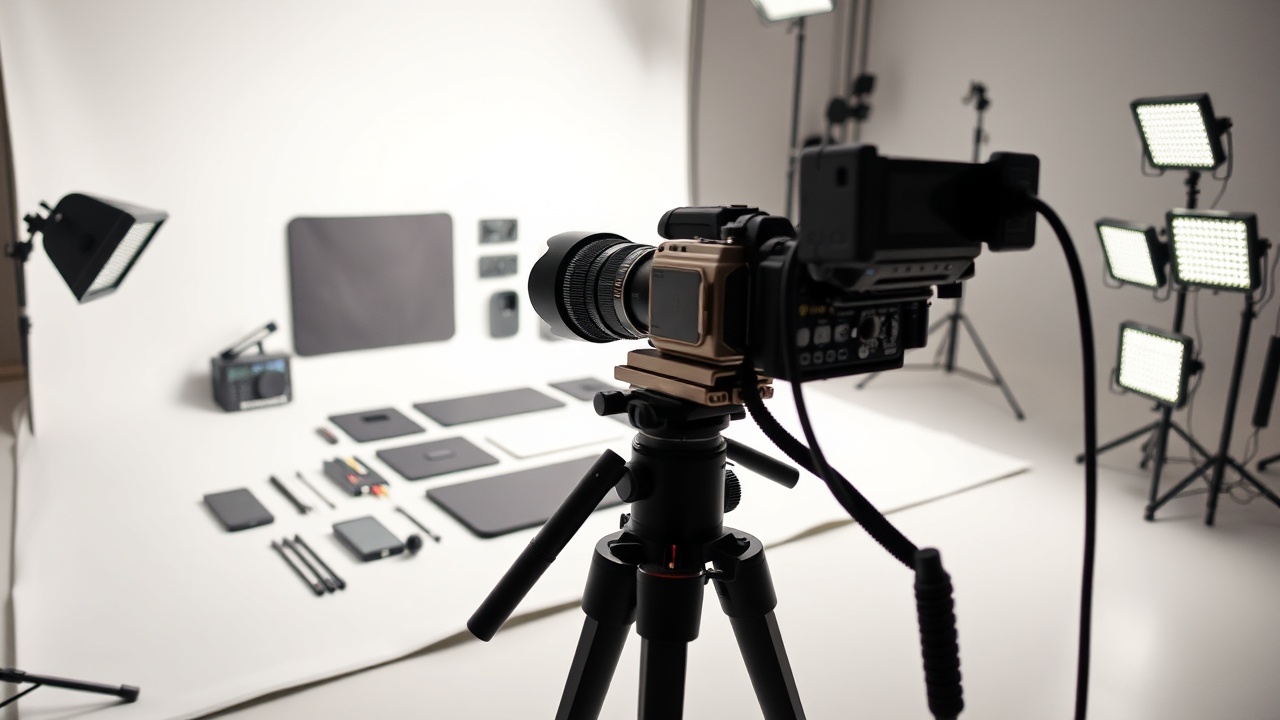
Modularity requires clarity.
When you sell a single, fixed product, the photo does most of the selling. But when you sell modular goods—products with interchangeable parts, configurations, or expandable components—your photos have to do double duty. They must show the product as a finished whole and demonstrate that the parts fit together.
High-quality photography reduces return rates caused by unmet expectations and increases conversion rates by 27% on average. For a complex product, your images are the only way a customer can "test" the build before they buy.
The goal of this guide is to help you create a visual language for your brand. Whether you are shooting a limited-run mechanical keyboard or a modular shelving unit, the principles remain the same: consistency, context, and completeness.
Don't break the bank.
Just break the light.
You don't need a $10,000 studio. You need good light and a clean background.
The Camera
Use whatever you have, but aim for high resolution. A 24MP full-frame sensor is ideal. If you're shooting on a phone, use the native camera app and avoid digital zoom.
Lighting
Two light sources are better than one. Use a main key light for shadows and a fill light (or white bounce card) to soften harsh edges. A softbox diffuses light for that premium look.
Backgrounds
Stick to white, light gray, or black seamless paper. Avoid patterns or textures that compete with your product. A clean background lets the colors and shapes of the modules pop.
Shoot Components vs. Configurations
There are two distinct shots every modular product needs. The first shows the parts; the second shows the whole.
Shoot the parts: Lay each module out flat on your background. This proves the connection points and materials. It builds technical confidence.
Shoot the configuration: Assemble the product. This shows the user how it functions in the real world. The visual hierarchy should be: Main Unit > Modules > Accessories.
Example: An exploded view of a modular camera body.
Show, Don't Just Tell.
Your product is a tool. Show it in use.
The User Perspective
Shoot your modular product at eye level. If it's a desk accessory, shoot it on a wooden desk. If it's a shelf unit, show it in a living room corner. Context matters.
Interaction
Don't just photograph the object alone. Photograph a hand reaching out to attach a module. This visual cue helps the customer understand the assembly process intuitively.
Beyond Static Images.
Since modular products are inherently geometric, static images can sometimes hide subtle design flaws. Video and 360-degree spins bridge that gap.
360-degree spins: Use a turntable to capture every angle. This is crucial for showing the user that the modules fit together seamlessly from all sides.
Short-form video: Create a 5-second loop showing the product being assembled. On mobile, users scroll quickly, and a looping animation is much more engaging than a static photo.
Clean backgrounds & Consistent Style.
Edit your photos to match your storefront. If your site is dark mode, don't shoot bright white backgrounds.
Background Removal
Use Photoshop or a tool like Remove.bg to isolate the product. If you can't remove the background, place the product on a solid color sheet that matches your brand palette.
Color Grading
Apply a consistent color profile across all images. A slight cool tint for tech products, or warm tones for lifestyle goods. Keep contrast high to make the modules pop.
Aspect Ratio
Modly supports 1:1, 4:5, and 16:9 formats. Always crop your images to the square format for the main listing. Use the 16:9 format for the "Related Products" slider.
Before & After.
See the difference consistent photography makes for sales.
Your first listing is just a photo away.
Upload your best shots, configure your variants, and start selling to an audience ready for modular design.